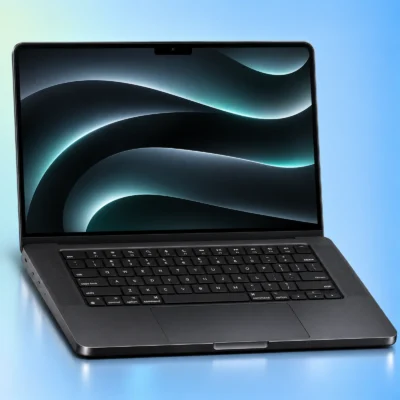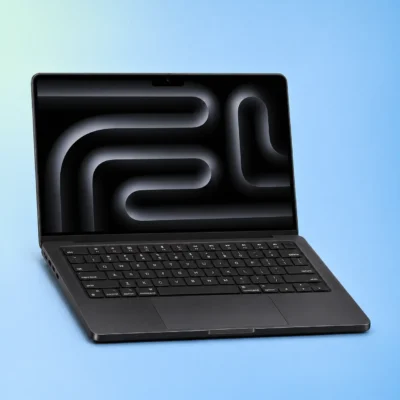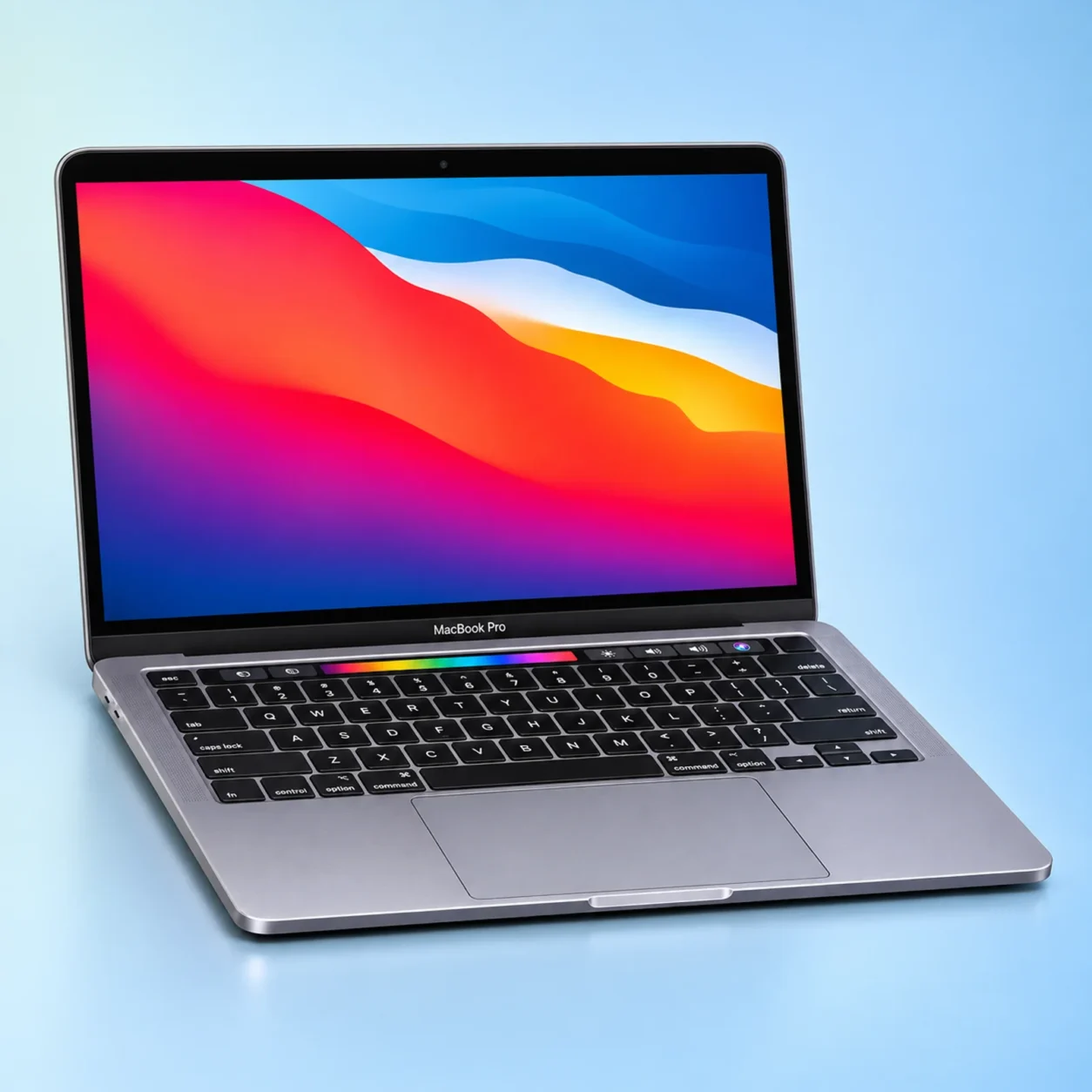
Sell myMacBook Pro 13-inch M1 2020 (A2338)
Cracked, water damaged or like new, we buy it. See your price, ship it free with our prepaid label, and get paid by PayPal, Zelle or Venmo.
Up to $322flawless, 2tb, 16gb, m1 8-core 3.2 8-core gpu, original box and charger
- Free prepaid shipping label
- Broken devices welcome
- You approve any price change
What Condition Is Your MacBook Pro 13-inch M1 2020 (A2338)?
Pick the one that fits best. Prices are for 256GB, 8GB, M1 8-Core 3.2 8-Core GPU, MacBook only.
- $209
Flawless
Like new. No scratches, dents or cracks, and everything works.
- $185
Good
Light signs of use, like small scratches. Everything works.
- $170
Poor
Deep scratches or dents, but no cracks. Everything works.
- $71
Broken
Cracked glass, water damage, won't turn on, or anything that doesn't work. All original parts, and no repair attempts except by Apple.
Not sure? Choose the lower one. If your MacBook turns out better than you said, we pay the higher price.
How to Sell Your MacBook Pro 13-inch M1 2020 (A2338)
Get your price
Choose condition and options above. Your price shows right away.
Ship it free
We email you a prepaid shipping label. Pack your MacBook well and drop it off.
Get paid
We check your MacBook when it arrives, then send your money the way you chose.
- PayPal
- Zelle
- Venmo
MacBook Pro 13-inch M1 2020 (A2338) at a Glance
Sell MacBook Pro 13-inch M1 for cash at TradeMyApple, used or broken. The MacBook Pro 13-inch M1 2020 is the first MacBook Pro with Apple’s own M1 chip, with the Touch Bar and very long battery life. Apple silicon Macs keep their value much better than Intel ones. Pick its processor, memory, storage and condition at the top of this page, and your MacBook Pro 13-inch M1 trade in value shows right away, before you ship anything.
How much is my MacBook Pro 13-inch M1 worth?
The price of a used MacBook Pro 13-inch M1 2020 depends on its processor, memory (RAM), storage (256GB, 512GB, 1TB or 2TB), condition, and whether you send the original charger or box. A MacBook Pro 13-inch M1 2020 in Flawless condition gets the top price. Scratches, dents and a worn battery lower it a little, and the quote shows the exact amount for each choice.
MacBook Pro 13-inch M1 trade in value: cash, not store credit
A MacBook Pro 13-inch M1 2020 trade-in at Apple or another store usually gives you store credit or a gift card toward a new device. Here you get cash by PayPal, Zelle or Venmo and spend it however you like. Check your MacBook Pro 13-inch M1 trade in value there, compare it with our quote, and take the better deal.
Where can I sell my MacBook Pro 13-inch M1 for cash?
You have three choices. Apple and other stores take a MacBook Pro 13-inch M1 2020 as a trade-in for credit. Marketplaces can pay a little more, but mean listing fees, meetups, scams and returns. A buyback site like TradeMyApple pays cash: you see a quote before you ship, print a prepaid shipping label, and get paid by PayPal, Zelle or Venmo once we check the Mac.
Sell a broken MacBook Pro 13-inch M1 2020
A cracked screen, liquid damage, a broken keyboard or trackpad, a swollen or dead battery, ports that stopped working, or a Mac that won’t turn on: choose Broken to sell MacBook Pro 13-inch M1 with damage and see its price right away. Macs we can fix are repaired and resold. The rest are sold for parts.
Fix or sell a broken MacBook Pro 13-inch M1 2020?
On a MacBook, a new screen or logic board is the most expensive repair and can cost a big part of what MacBook Pro 13-inch M1 is worth used. Get a repair quote, compare it with our Broken price, and choose what leaves you with more money. If you plan to upgrade anyway, sell MacBook Pro 13-inch M1 as it is and skip the repair.
Is my MacBook Pro 13-inch M1 2020 still worth selling?
Yes. The MacBook Pro 13-inch M1 2020 still runs the latest macOS well and is in steady demand used. Its value drops a little every year, so selling a Mac you no longer use sooner pays more.
Can I sell an iCloud-locked MacBook Pro 13-inch M1 2020?
Not while it is locked. We can’t buy a Mac that is locked to someone’s Apple Account (Activation Lock), reported lost or stolen, or still being paid off. Turn off Find My, sign out of your Apple Account and erase the Mac, then sell MacBook Pro 13-inch M1 to us. The quote asks one Yes or No question about this before you continue.
How to get the most for your MacBook Pro 13-inch M1 2020
- Erase it first. Back up your Mac, turn off Find My and erase it, so it’s ready to check as soon as it arrives.
- Send the charger. The original charger or box adds a little to your offer.
- Pick the condition honestly. Not sure? Choose the lower one. If your Mac turns out better, we pay the higher price.
- Sell sooner. Used Mac prices usually drop when Apple releases new models.
- Charge it before you ship. If your MacBook Pro 13-inch M1 2020 still turns on, a charged battery lets us test it fully, so the check goes faster.
Every MacBook Pro M1 trade in with us is paid in cash, and our MacBook Pro M1 trade in value is never store credit. The MacBook Pro M1 value we offer depends on the exact model and its condition. Ready to sell MacBook Pro M1? Start with the quote card above. Yes, you can sell broken MacBook Pro 13-inch M1 to us, even with a cracked screen or other damage.
MacBook Pro 13-inch M1 2020 specs
| Released | November 2020 |
| Display | 13.3-inch Retina with True Tone |
| Chip | Apple M1 |
| Keyboard | Magic Keyboard, Touch Bar and Touch ID |
| Ports | Two Thunderbolt / USB 4 |
| Memory options | 8GB, 16GB |
| Storage options | 256GB, 512GB, 1TB, 2TB |
| Model number | A2338 |
Not sure which MacBook Pro you have? Apple’s Identify your MacBook Pro model page lists every model. Ready? Sell MacBook Pro 13-inch M1 for cash with the quote at the top of this page. Selling a different one? See every MacBook Pro we buy.
- Colors
- Silver, Space Gray
Before You Ship Your MacBook
Back it up
Save your files with Time Machine or to iCloud.
Turn off Find My Mac
System Settings, then your name, then iCloud, then Find My Mac. We can't buy a Mac that's still locked.
Sign out of your Apple Account
System Settings, then your name, then Sign Out.
Erase it
System Settings, General, Transfer or Reset, Erase All Content and Settings. If it won't turn on, we erase it for you.
Add the charger if you have it
Choose it in the price card to get a little more.
Pack it well
Use a box with padding on every side, so it can't move. Then stick on your label.
MacBook Pro 13-inch M1 2020 (A2338) Trade-In Questions
Do you buy a broken MacBook Pro 13-inch M1 2020 (A2338)?
Yes. Cracked glass, water damage, dead batteries and devices that won't turn on all qualify. Choose Broken and you'll see the price.
What if my MacBook is different from what I chose?
We send you a new offer. You can accept it, or ask for your MacBook back. We hold it for 30 days while you decide.
How do I get paid?
By PayPal, Zelle or Venmo. You choose when you place your order, and we send the money within 24 to 48 hours after your MacBook arrives, once we have checked it.
Is my data safe?
Please erase your MacBook before you ship it. If it's too broken to erase, or you forgot, we erase it for you.